First it was AMD. Now PC players are tracing nonstop background drive writes to Nvidia's own display service on GeForce drivers 621.14 and 621.24. Here's what's going on, how to check your rig, and the rollback users say fixes it.
If your gaming PC has been sitting idle while you watch GTA 6 streams all night, your SSD might not have been resting with it. PC users are reporting that Nvidia’s GeForce driver 621.14, released November 4, and the newer 621.24 keep a background service writing to the system drive over and over, even when nothing is running. As of 3:19 AM ET Thursday, Nvidia has not acknowledged the issue in its 621.24 release notes (the Open Issues list is marked N/A), in its GeForce 621.14 or 621.24 feedback threads, or on the official NVIDIA GeForce (@NVIDIAGeForce) and NVIDIA Customer Care (@nvidiacc) accounts on X.
The trail leads to NVDisplay.Container.exe, the process behind the “NVIDIA Display Container LS” service that powers the Nvidia Control Panel and the NVIDIA App. According to Tom’s Hardware, a user on Nvidia’s forums named Andergraude flagged it as “new in 621.14” and said the service keeps “continuously [rewriting] the binary log file,” a file called nvlog.nvlgstg, with “real writes” landing on the drive. Instead of just adding new lines to the log, it rewrites the whole thing again and again. We read that forum report. Andergraude posted it on November 8 and measured the same 515MB of process writes and 270MB of C: drive writes over five idle minutes that Tom’s Hardware later cited.
How bad is it?
That depends on who you ask, and that’s worth being straight about. The most careful test so far, cited by Tom’s Hardware and measured by Andergraude on 621.14, found 515MB of process activity and 270MB of actual writes to the C: drive over five idle minutes. That works out to about 3GB an hour, or about 0.9MB per second. VideoCardz reports the same comparison showed less than 2MB on the older 621.01 driver, which came out October 21. Other users have posted scarier numbers, including more than 3GB in ten minutes and a claim of roughly 30GB an hour on 621.24. That 30GB figure comes from one Nvidia forum user, AyzekUorren, and should be treated as that user’s claim only. VideoCardz notes those larger numbers are process-level counts that do not always match what physically hits the SSD.
Tom’s Hardware puts the bigger picture this way: at the 270MB-in-five-minutes rate, a PC that never sleeps could write about 28TB a year, which is reaching toward 5% of a typical 1TB SSD’s 600TB rated endurance. That’s not going to kill your drive overnight, and realistic uptime will be lower. But nobody buys a fast NVMe drive so a log file can wear it down while the PC does nothing, and not every system seems to be affected.
How to check your PC
Open Windows Resource Monitor, go to the Disk tab, and look for NVDisplay.Container.exe. If it’s constantly writing to nvlog.nvlgstg (it lives in the NVIDIA Corporation folder under ProgramData), you’re likely affected.
Users have reported a few fixes, per VideoCardz:
- Roll back to GeForce driver 621.01, which users say stops the writes.
- Stop the NVIDIA Display Container LS service, delete the log file, then restart the service. That’s a temporary fix.
- Turning off ShadowPlay-related recording and overlay features helped some users, but not all.
Don’t just disable the service for good. That can break the Nvidia Control Panel and the NVIDIA App.
It seems Nvidia GPU drivers also constantly write to your SSD
by u/Remarkable_Fly_4276 in pcmasterrace
Which GeForce driver are you running right now?
Vote and see what other Xbox fans think.
Like having a say? Get OnPoint Weekly or argue it out on Discord.
Second GPU maker in a month
This lands right after AMD went through almost the exact same thing. Radeon owners caught AMD’s External Events Utility, atieclxx.exe, constantly writing on idle PCs, and AMD shipped a fix in Adrenalin 26.11.1 on November 12. We covered that fix in AMD’s Fix for the SSD-Hammering Radeon Bug Is Out, but It Won’t Install Itself. AMD’s reported write rates ranged from 0.3 to 5MB per second, while the 621.14 test came in around 0.9MB per second, according to Tom’s Hardware.
Here is where we land. AMD confirmed its bug and shipped a fix within weeks. As of 3:19 AM ET Thursday, Nvidia has not publicly acknowledged these reports, and its latest 621.24 release notes do not list the issue. VideoCardz points out that complaints about Nvidia’s background logging go back years. Until a fix shows up, if you’re on 621.14 or 621.24 and see that process lighting up your disk, rolling back to 621.01 is the simple move.
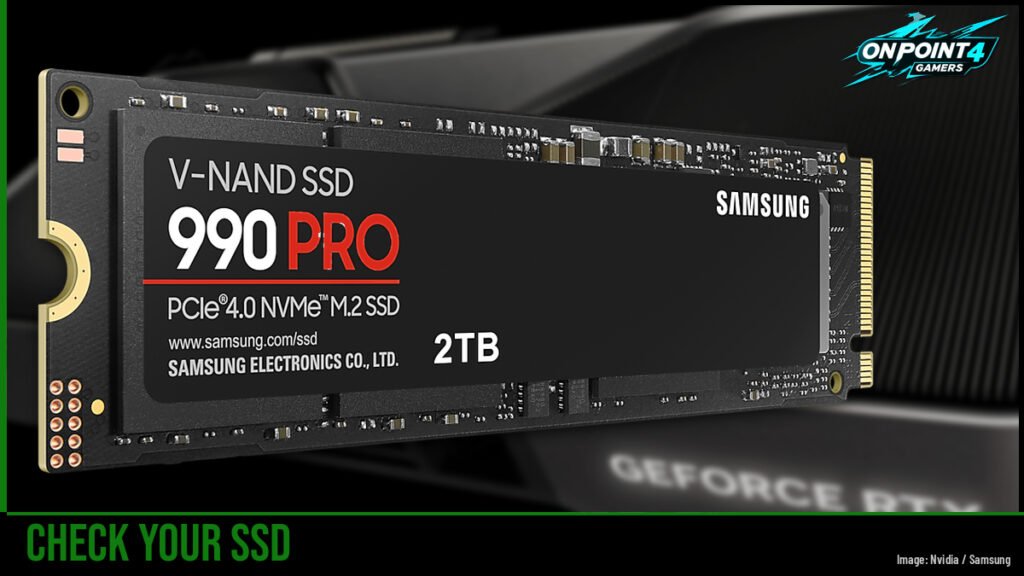
Image: Nvidia / Samsung
Sources found below.