
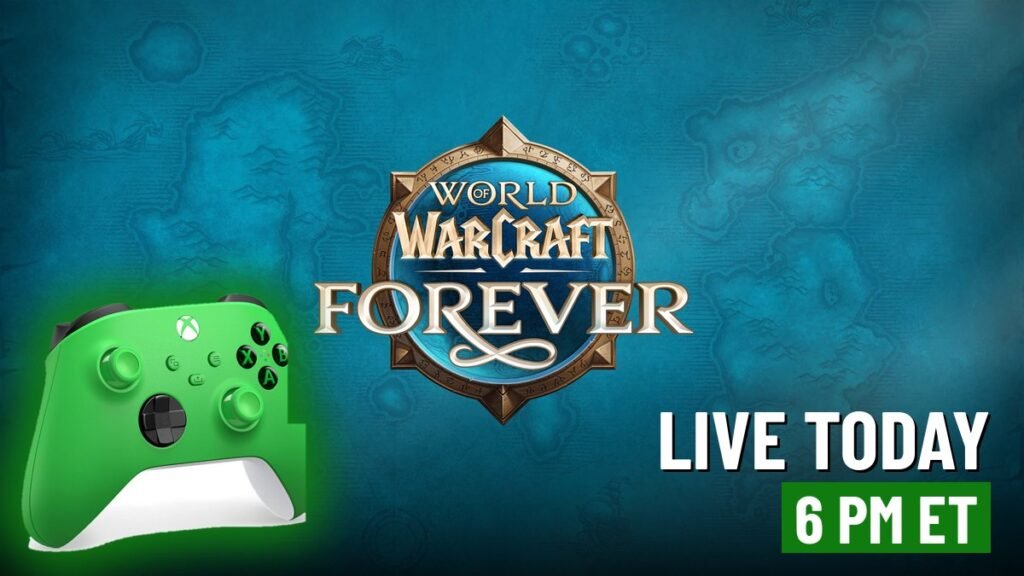
Blizzard's reimagined World of Warcraft launches worldwide today at 6:00 PM ET on PC and Mac, with more than 1,000 new quests, a new playable race, new zones and the first official controller support WoW has ever had. Here's everything you need for launch night, including how to turn on the gamepad and how to set it up on a ROG Xbox Ally.
Today is the day. World of Warcraft: Forever goes live globally on Wednesday, November 4, at 3:00 PM PT / 6:00 PM ET (23:00 UTC), per Blizzard’s launch post. It’s a brand new version of WoW that sits alongside the modern game and Classic as a “permanent home,” and it’s built from the ground up to play on an Xbox controller.
If you’ve never touched WoW, this is the one built for you. If you’ve played for 20 years, Blizzard rebuilt the world you remember with a lot of new stuff in it.
Whether you’ve waited for years, months, or mere days, we can all agree…
, World of Warcraft (@Warcraft) November 3, 2026
WOW: FOREVER LAUNCHES TOMORROW! pic.twitter.com/6vMhE48MP5
The key facts
- Launch time: Today, Nov 4, 6:00 PM ET / 3:00 PM PT. Europe gets in at midnight CET (Nov 5), the UK at 11:00 PM GMT.
- Platforms: Windows PC and Mac through the Battle.net app. Windows handhelds like the ROG Xbox Ally can run it too, with some setup (more below). No console version has been announced, and Xbox UK confirmed this week it’s PC and Mac only (our story on that).
- What it costs: No separate purchase. It comes with an active World of Warcraft subscription or Game Time. US Battle.net prices are $14.99 for one month, $13.99 a month for three months and $12.99 a month for six or twelve months, as we laid out in our Oct 29 story.
- Setting: After Warcraft III Reforged: Forsaken Kingdom and before Molten Core, across the original continents, levels 1 to 60.
- Controller: Official Gamepad support at launch. Blizzard calls it a beta, and Xbox Wire calls it Gamepad (Alpha). Either way, it’s early and Blizzard says more improvements are coming.
What’s new in Forever
Per Blizzard’s launch post:
- More than 1,000 new quests across the 1 to 60 journey.
- New and reimagined zones in the Eastern Kingdoms and Kalimdor:
- Mount Hyjal: the aftermath of Archimonde’s defeat, including Darkwhisper Gorge.
- Shen’dralas: a hidden mystery between Mulgore and Desolace tied to the Shen’dralar, Eldre’Thalas, Dire Maul and the centaur tribes.
- The Riverglades: a frontier of rivers, grasslands and trade routes with more than 150 new quests covering much of the mid-30s to mid-40s.
- Zephras Isle: a skybound level 1 to 12 starting zone with architecture inspired by Skywall.
- A new playable race, the Skyborne (the shen’dorei, or “hidden people”). Pick Horde-aligned Windshapers who can be Shaman, or Alliance-aligned High-Order Skyborne who can be Mages.
- New race and class combos, including Orc Mages, Troll Warlocks, Undead Paladins, Human Hunters, Gnome Priests and Dwarf Shamans.
- New dungeons and raids and class and spec updates, per Blizzard’s X post.
Your first login: the two big choices
1. Pick an Experience Preset
When you log in, Forever asks you to choose a look and feel. You can change any of it later under Game Menu > Options.
- Classic: standard definition character models, quest markers and objective areas off, one-bag off, transmog off, camera-turning keyboard binds, Classic UI layout.
- Enhanced: high definition models, quest markers on, one-bag on, transmog on, strafe keyboard binds, a centered UI layout.
Blizzard’s advice if you can’t decide: start with Enhanced. You also pick HD or SD models for each new character, and that only changes looks, never power.
2. Pick a Ruleset (there are no realms)
Forever drops the old realm list. You choose a broad ruleset instead:
- Normal: quest and fight monsters, PvP only when you want it.
- PvP: you can almost always be attacked by the other faction.
- Roleplay: strict naming and behavior rules for staying in character.
- Roleplay PvP: the same, with open-world PvP.
- Hardcore (one life, death sticks) is coming “sometime after launch,” per Blizzard.
Names work differently too. Every character gets two names that together have to be unique across your region, since there are no realms to separate players.
Progress that follows your account
- Legacy System: a new account-wide progression system built around exploring everything instead of raw power. It has three parts (Legacy Challenges, Legacy Perks and Legacy Rewards). Leveling alts helps, but Blizzard says every perk can be unlocked on a single character.
- Camping: the Cooking profession’s Basic Campfire becomes a shared campsite. Nearby players can each add one profession-crafted Camp Feature, up to three, and sitting or crafting there for at least one minute gives you buffs.
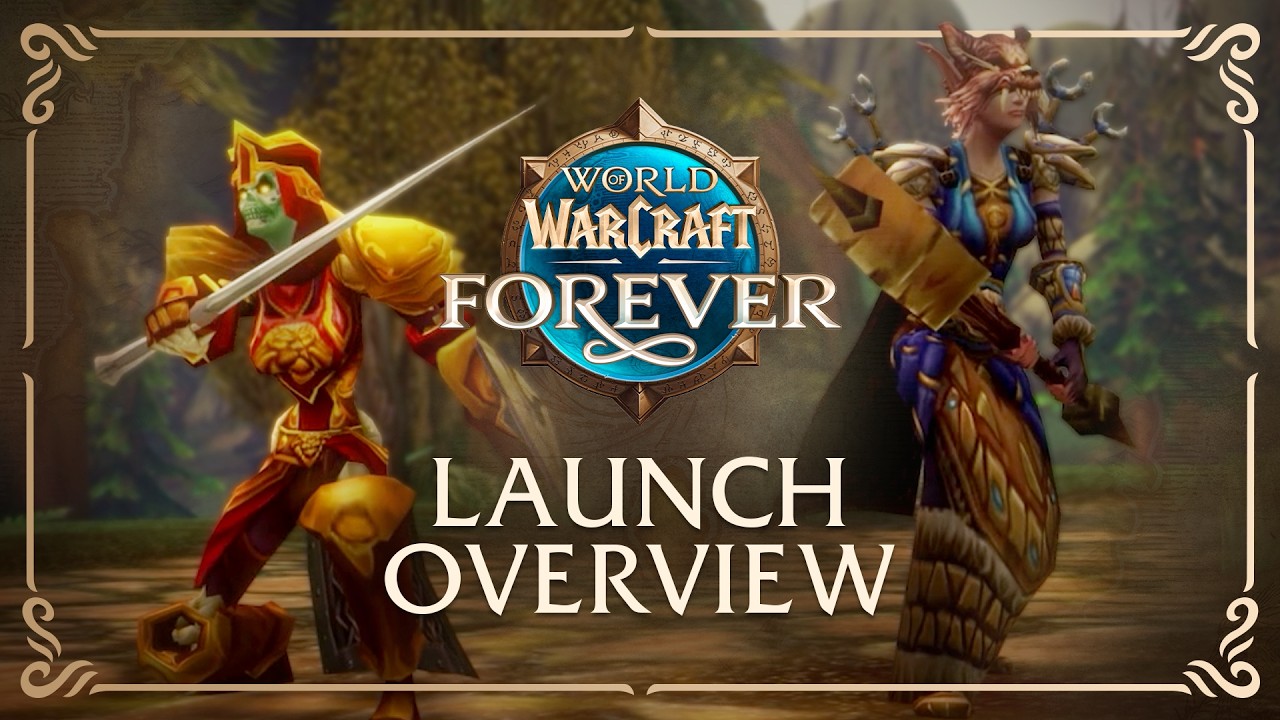 World of Warcraft: Forever Goes Live Today at 6 PM ET, and Your Xbox Controller Is Invited
How to play WoW: Forever on an Xbox controller
Xbox Wire editor Mike Nelson spent the beta playing on his couch and on a handheld, and laid out the setup in a full Xbox Wire guide:
- From the main menu, go into Options and check the box for Gamepad (Alpha).
- Your on-screen button icons switch to match your controller. Nelson recommends “a modern XBOX Wireless Controller to use since every on-screen button icon maps perfectly.”
- Hold the right stick to open the ping system with commands like Attack, Warning, On My Way and Assist.
- Keep a keyboard nearby for chat. Blizzard says you’ll still need one for tasks like that, and Nelson keeps a wireless keyboard on the couch as a fallback.
How are you playing WoW: Forever at launch?
Vote and see what other Xbox fans think.
Like having a say? Get OnPoint Weekly or argue it out on Discord.
GameSpot counted 28 keybinds available on the pad in its hands-on, and said menus and inventory are “a little more cumbersome” but worth the tradeoff (GameSpot).
Nelson’s verdict on the controller life: “I haven’t found anything that I can’t access through just the controller, and that’s a good thing for this feature’s future support.”
On a ROG Xbox Ally
Nelson got Forever running on his ASUS ROG Xbox Ally, since it runs Windows 11 and the Battle.net app. His caveats, straight from Xbox Wire:
- It “isn’t officially supported yet,” and it “takes some patience to get there.”
- Use the touchscreen and on-screen keyboard to reach the main menu and turn on Gamepad (Alpha).
- In the UI’s Edit Mode, shrink the chat frame and move the player and target frames to the bottom of the screen.
- Check Compact Action Bar to free up more screen space.
“I never thought I’d be able to lay back in bed with a handheld and play World of Warcraft, or lounge back on the couch while running a dungeon, but here we are!” Nelson wrote.
How to jump in at launch
- Sign in to (or make) a Battle.net account.
- Add a WoW subscription or Game Time.
- Install the Battle.net app, install World of Warcraft, and pick World of Warcraft: Forever from the game version list.
- Plug in or pair your Xbox controller, then turn on Gamepad (Alpha) in Options.
- Be ready at 6:00 PM ET. Launch nights for big MMOs can come with login queues, so give yourself some extra time.
OnPoint’s take: This is a big night for PC gaming, and Xbox fingerprints are all over it. Blizzard is Xbox’s own studio, and the biggest MMO on PC just launched a version that’s built to be played with an Xbox controller on a couch or a handheld. Xbox Wire even wrote the how-to. Nobody has promised a console version, and Xbox UK shut that down for now, but when the head of WoW is already talking about playing “on whatever you want” and name-dropping Project Helix, the direction is pretty clear. If you’ve got a gaming PC or a ROG Xbox Ally and you ever wondered what the WoW hype was about, launch day with a controller in your hands is the easiest way in there has ever been. Let us know what you’re rolling, Horde or Alliance.
Image: Blizzard Entertainment (Blizzard News), Xbox Wireless Controller: Microsoft / Xbox, edit by OnPoint 4 Gamers
Sources
- Blizzard News: World of Warcraft: Forever Goes Live Globally November 4!
- Blizzard: WoW: Forever, What’s New and What Feels Familiar (Nov 3, 2026)
- Xbox Wire: World of Warcraft: Forever, How Controller Support Reimagines the Way We Can Play in Azeroth (Mike Nelson, Nov 2, 2026)
- GameSpot: WoW: Forever controller support is a first step
- Wowhead: Xbox UK confirms WoW: Forever not coming to Xbox in November
- @Warcraft on X: launch tomorrow
- @Warcraft on X: feature rundown
- @Warcraft on X: Launch Overview